 Lumen
Like a real book
Pages curl as they follow your finger or mouse and turn with a paper sound. Smooth even on 240 Hz screens.
Read EPUB and PDF books like a real book. Underline, take notes, listen, and keep your reading habits in one place.
Coming soon to Microsoft StoreTry free for 7 days · No ads · No subscription
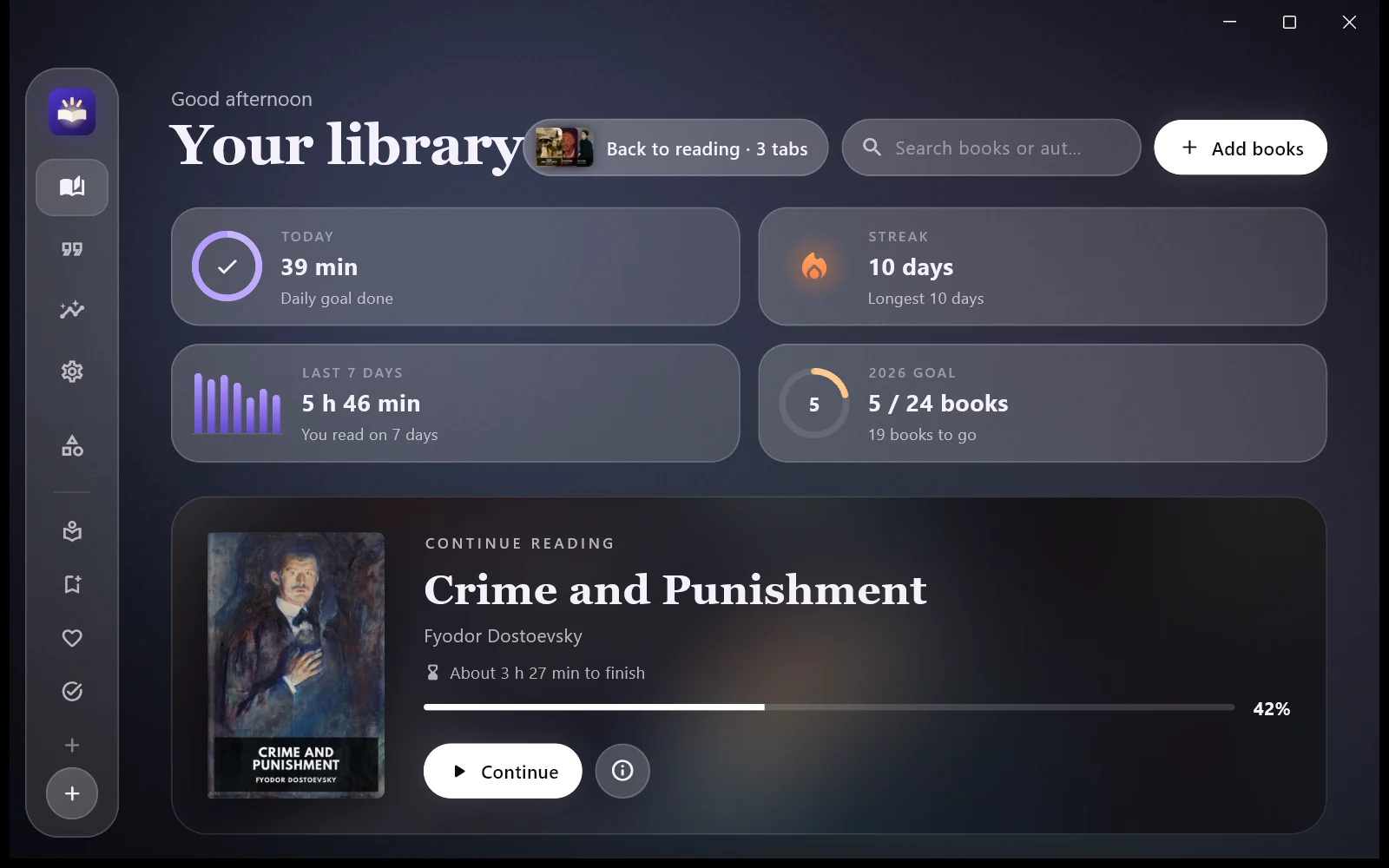
Pages curl as they follow your finger or mouse and turn with a paper sound. Smooth even on 240 Hz screens.
Listen with natural voices, no internet needed. Lumen keeps reading while minimised, and your keyboard’s media keys work.
Highlight in five colours and gather your notes book by book. Export as a PDF notebook, Word, Markdown or Obsidian.
Tap a word to see its meaning and translation. Words you look up land in your word list, ready to study with cards.
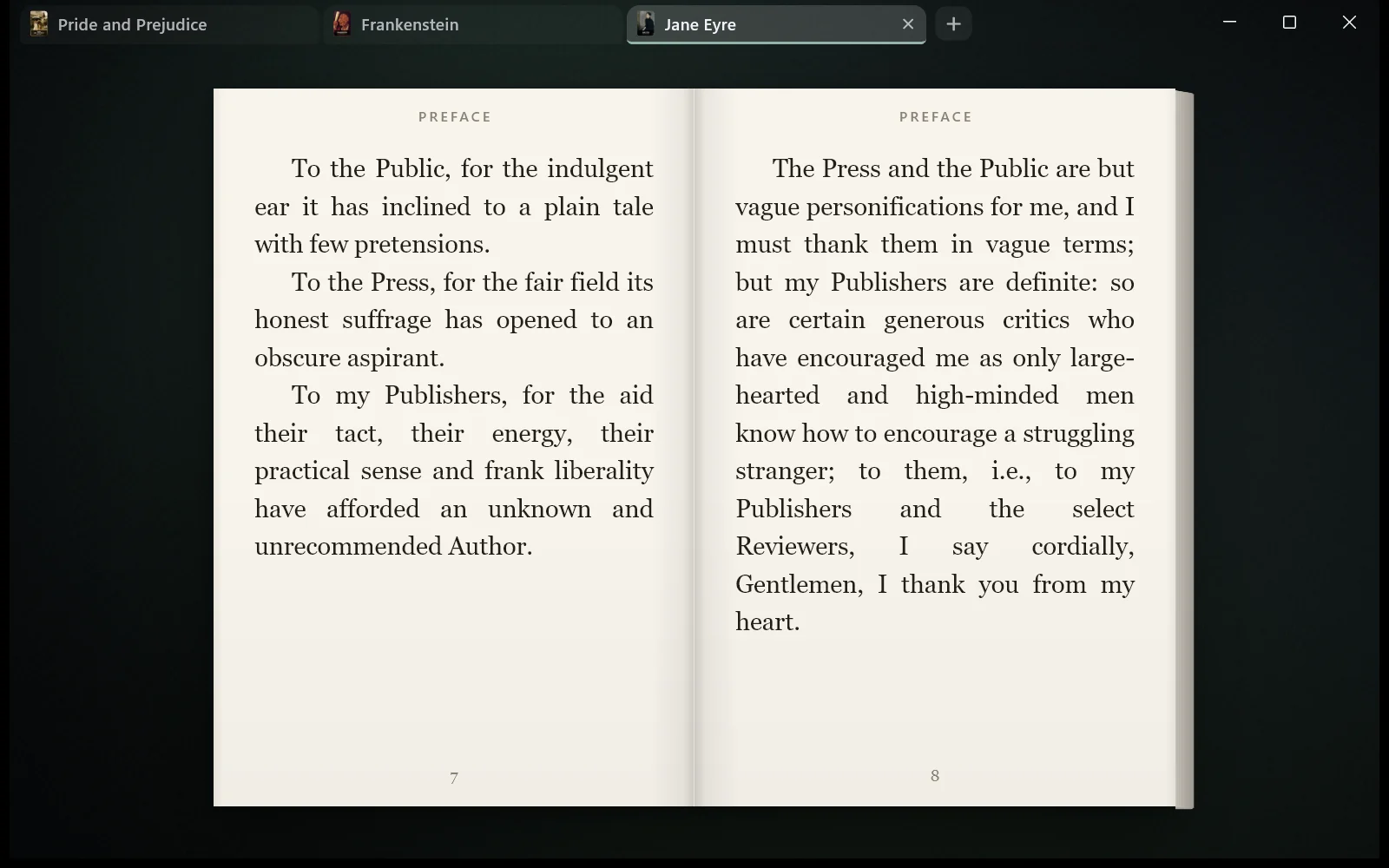
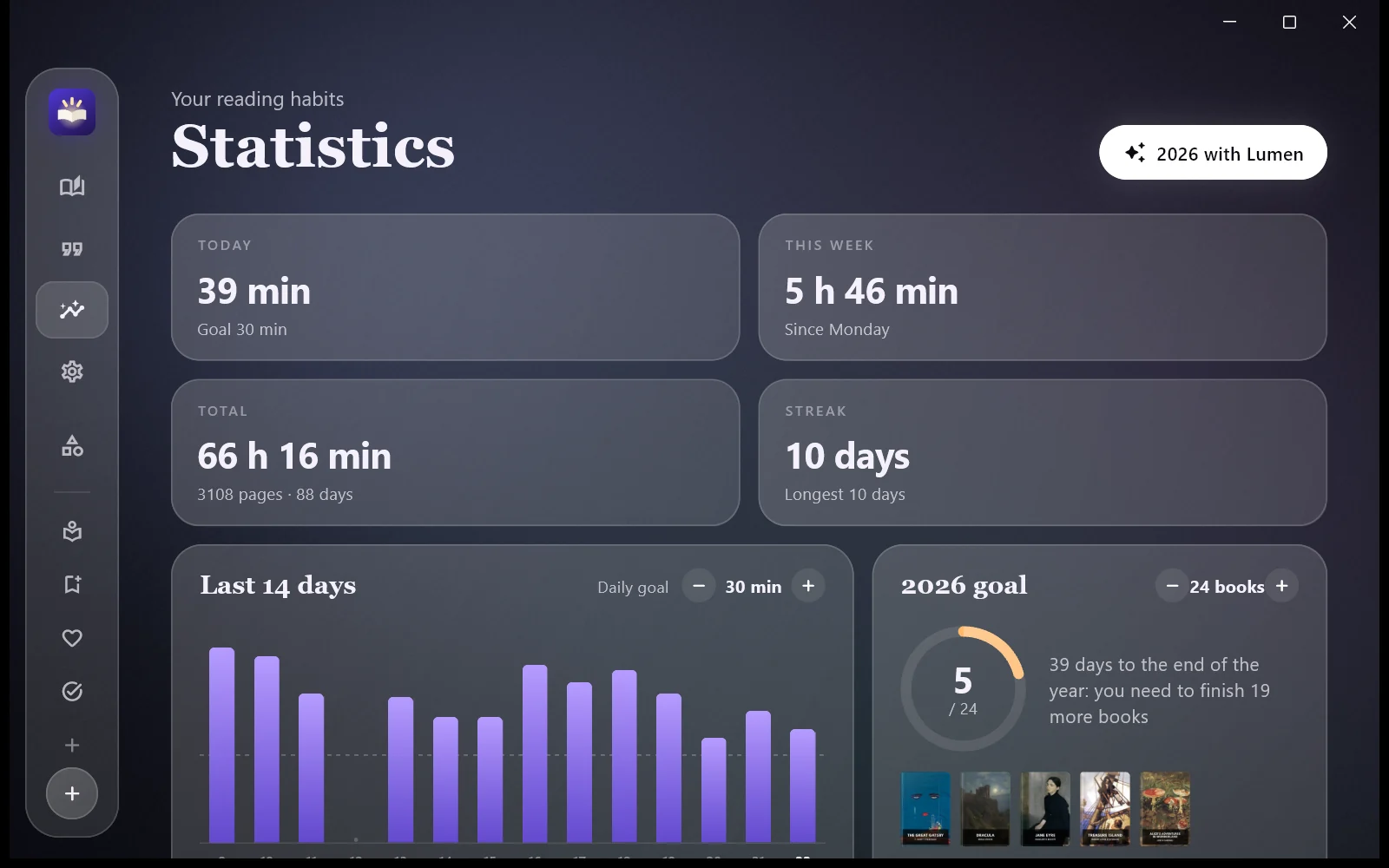
Daily goal, streaks, a yearly goal and detailed statistics. At the end of the year, your “2026 with Lumen” recap is ready.
Pick your e-book folder once and new books arrive by themselves. Plus an archive, categories, focus sessions and line focus.
No converting needed: Lumen opens them.
Voices run on your computer; your text is never sent anywhere. Natural voices for Turkish, English, Russian, Spanish, French and German, with lifelike pauses between sentences and a sleep timer.
All of Lumen’s core features work without AI. Add your own Gemini, ChatGPT, Claude or DeepL key and you also get:
The service you choose bills you for usage; Lumen takes no share of it. Your text goes straight to that service. Lumen has no server.
Try Lumen free for 7 days with every feature. If you like it, buy it once: no subscription, no ads, no hidden costs.
Coming soon to Microsoft StoreEPUB, PDF, MOBI, AZW3, FB2, DOCX, DOC, ODT, RTF, TXT, CBZ, CBR and DJVU.
No. Reading, notes and read aloud work offline. The dictionary, cover search and the first voice download need a connection.
Only on your own computer. Back up with one click, or set up a daily backup to a cloud folder.
AI is optional. If you add your own API key, the service you choose bills you for usage; Lumen shows an estimated cost before every big task.
The interface is in Turkish, English, Russian, Spanish, French and German. Your books can be in any language.
For now, Lumen is for Windows. We’re working on other devices.